Free Cornell Notes & Active Recall Template (PDF, Notion & Markdown)
Developed at Cornell University by Professor Walter Pauk, the Cornell Note-Taking System replaces passive verbatim transcription with a three-zone page architecture: a 70% right-hand Notes Column for telegraphic capture, a 30% left-hand Cue Column for self-testing questions, and a bottom Summary Box for a 2-sentence synthesis. Build your sheet below, export a 1-page A4/US Letter PDF, or copy structured Markdown for Notion and Obsidian.
Interactive Cornell Notes, Synthesis & Spaced-Recall Builder (Free PDF, Notion & Obsidian Export)
Enter your topic, cue questions (separated by semicolons “;”), telegraphic notes, and 2-sentence summary below to check your Compression Ratio and generate a 1-3-7-21 Day Spaced Retrieval Schedule.
What’s in the template
- 30% Left Cue & Question Margin: Dedicated column for self-testing prompts, mental models, and exam/review cues written within 24 hours of capture.
- 70% Right Telegraphic Note Area: Ruled workspace for shorthand mechanisms, causal arrows, and concrete data points – discouraging mindless transcription.
- Full-Width 2-Sentence Summary Box: Forces you to compress the entire page into two lucid sentences at the bottom before filing the sheet.
- 1-3-7-21 Day Spaced Retrieval Checkboxes: Built-in top-right review tracker so you test yourself at expanding intervals before the forgetting curve drops.
How to use the 5Rs Cornell method in 15 minutes
- Record (During session): Write telegraphic bullets in the 70% right column during your 50/10 or 90/20 Focus Sprint.
- Reduce (Within 24 h): Extract 3 to 5 questions into the 30% left Cue Column that test the core mechanisms on the right.
- Recite (Fold & retrieve): Cover the right-hand column with your hand and answer each Cue Question aloud from working memory.
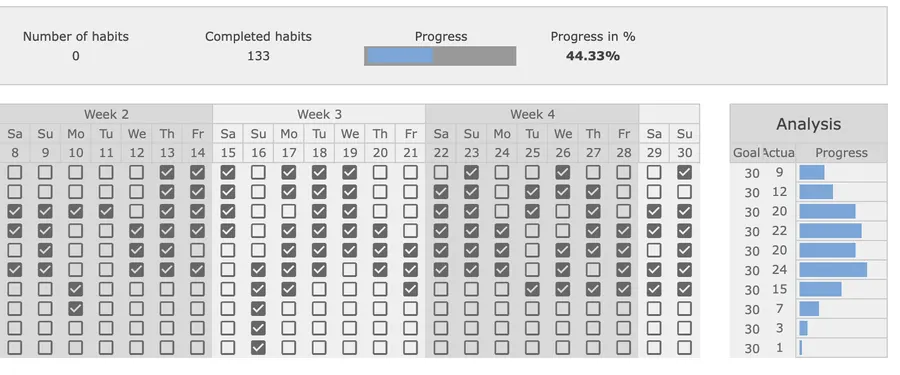
- Reflect & Review: Write your 2-sentence bottom summary and log your Day +1, +3, +7, and +21 retrieval passes on your Habit Tracker.
Up close
Note-Taking Methods Compared: Cornell System vs. Verbatim Laptop Notes vs. Outline vs. Mind Mapping
| Note-taking method | Primary cognitive process | 30-day conceptual retention | Best use case |
|---|---|---|---|
| Cornell 5Rs System | Generative compression + self-test retrieval | High (~75–85% with spaced review) | Lectures, technical books, specs & certification study |
| Verbatim Laptop Typing | Shallow phonetic transcription | Low (~20–30% without active re-study) | Court transcripts & raw meeting quotes only |
| Linear Hierarchical Outline | Top-down categorization | Moderate (~45–55% if reviewed) | Structured slides & agenda-driven calls |
| Visual Mind Mapping | Spatial & associative branching | Moderate-High (~55–65%) | Brainstorming & early-stage system architecture |
How to adapt Cornell Notes for Notion, Obsidian, and technical reading
If you take notes digitally during engineering design reviews or non-fiction reading, replicate the physical folding mechanic so you still get the full Testing Effect:
- Use Toggle Blocks in Notion or Callouts in Obsidian: Put your 3 to 5 Cue Questions as top-level Toggle headings (“> Why does Raft separate...”) and nest the telegraphic answer inside the closed toggle so your eye cannot accidentally read the answer before retrieving it.
- Cap your bottom summary at 40 words: If you cannot explain the page’s core mechanism in two plain sentences at the bottom, you have identified the exact conceptual gap to revisit on Day +1.
The cognitive science of Cornell Notes: Generative processing, the Testing Effect, and spaced retrieval (Pauk, Mueller & Oppenheimer, Roediger & Karpicke, and Cepeda et al.)
Why does dividing a sheet of paper into a 30% Cue Column, a 70% Note Column, and a 2-sentence Summary box outperform three pages of dense typing? First, Cornell University education professor Walter Pauk designed the 5Rs Cornell system specifically to force students out of passive recording and into active question generation and self-recitation (Pauk, 1962, How to Study in College). Second, in three laboratory experiments comparing note-taking modalities, psychologists Pam A. Mueller and Daniel M. Oppenheimer demonstrated that students who type rapid verbatim transcripts perform significantly worse on conceptual application questions than note-takers who reframe and summarize concepts in their own words – a process called generative processing (Mueller & Oppenheimer, 2014, Psychological Science). Third, memory researchers Henry L. Roediger III and Jeffrey D. Karpicke proved the Testing Effect: covering the right-hand notes column and actively retrieving answers from the left-hand Cue Column yields dramatically higher 1-week and 30-day retention than spending the exact same time re-reading the notes (Roediger & Karpicke, 2006, Psychological Science). Fourth, a comprehensive meta-analysis of 254 studies by Nicholas J. Cepeda, Harold Pashler, Edward Vul, John T. Wixted, and Doug Rohrer confirmed that distributing those active-recall tests across expanding intervals (such as Day +1, Day +3, Day +7, and Day +21) flattens the forgetting curve compared with massed review (Cepeda et al., 2006, Psychological Bulletin).
Frequently asked questions
Is this Cornell Notes template free to download and print?
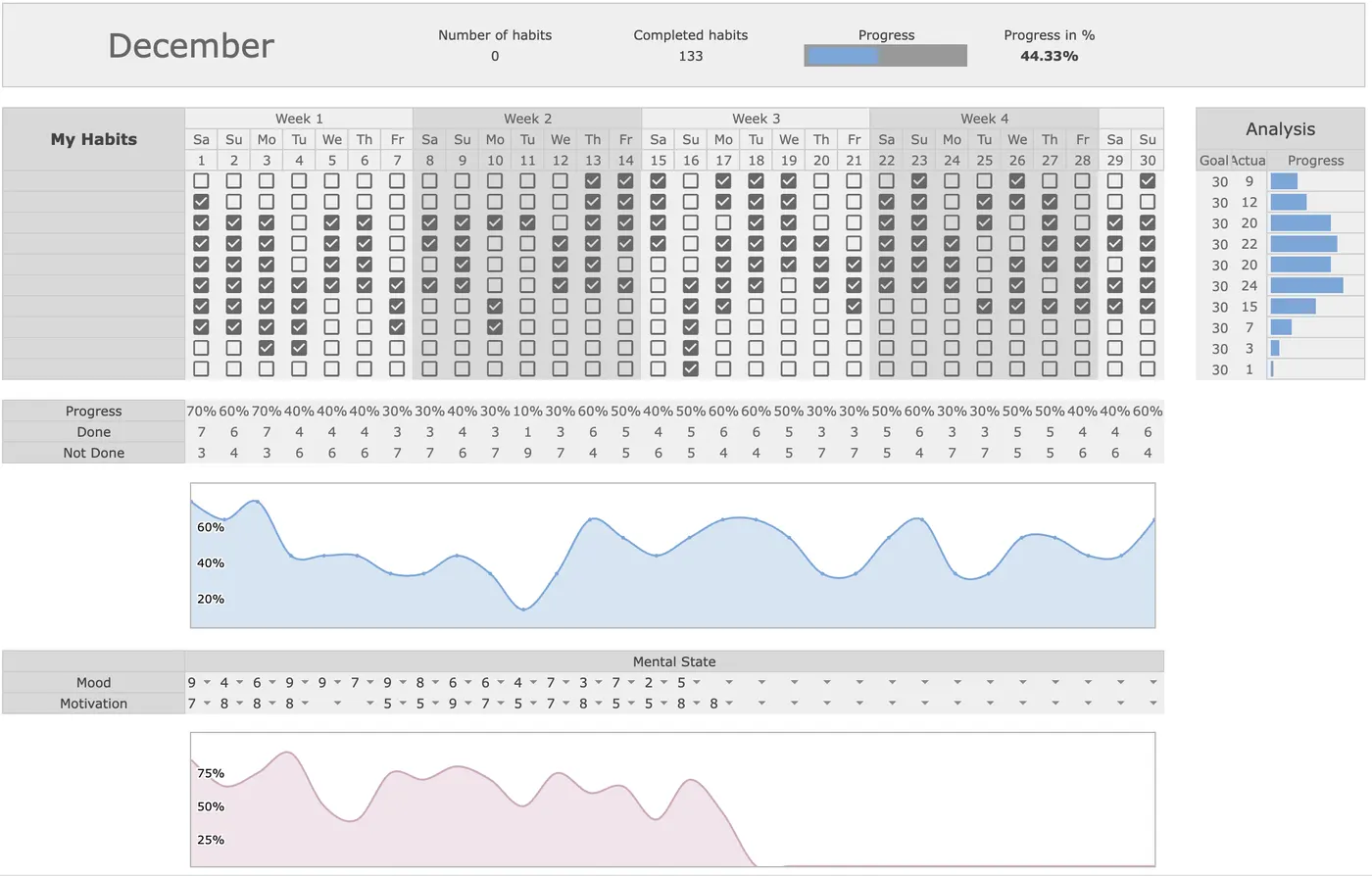
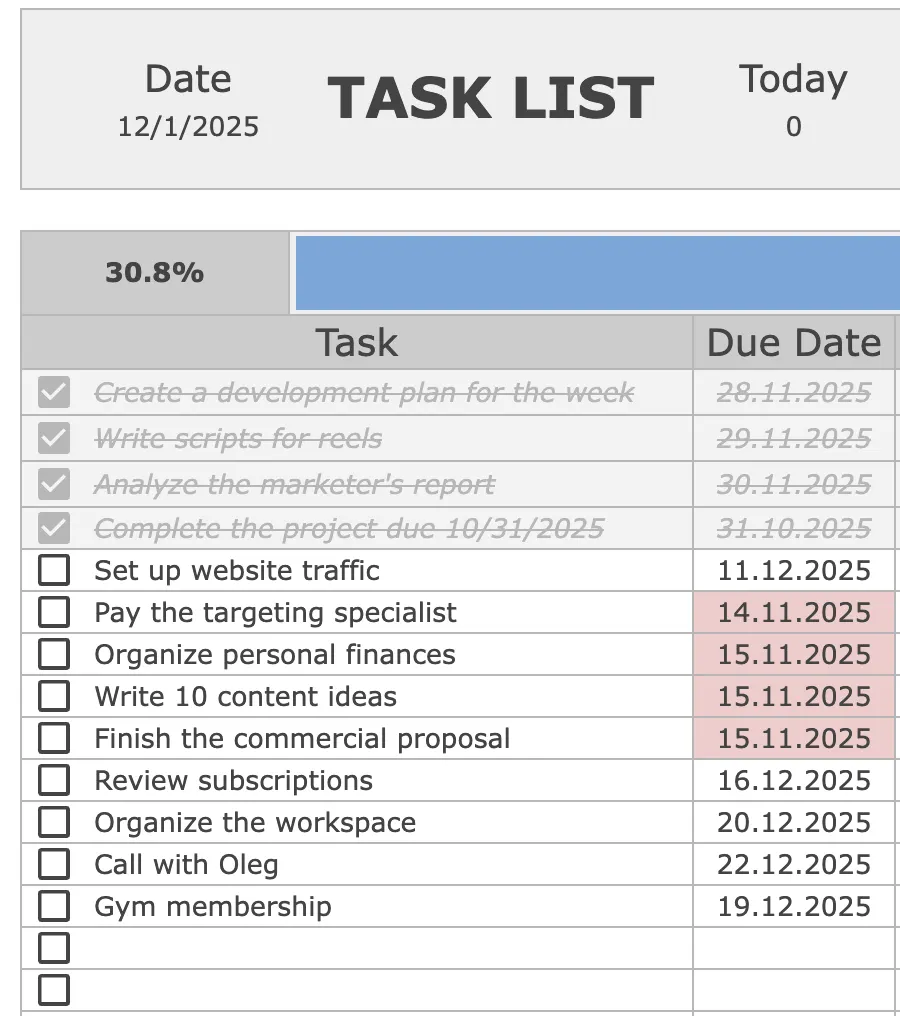
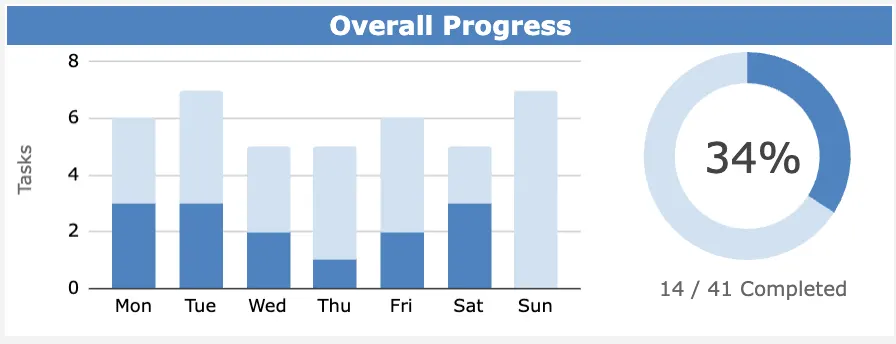
Yes. You can structure your notes, cue questions, and 2-sentence Feynman synthesis in the interactive builder on this page, copy formatted Markdown for Notion or Obsidian, or print the 1-page A4/US Letter Cornell sheet for free. If you want an automated tracker for study milestones, reading habits, and action items in Google Sheets, check out our Task Tracker ($9) and Habit Tracker ($9).
What are the exact page dimensions of the Cornell Note-Taking System?
Designed by Cornell University professor Walter Pauk, a standard Cornell page is divided into four functional zones: a top Header bar for the topic, source, and date; a left-hand Cue Column taking roughly 30% of the page width (2.5 inches / 6.3 cm on US Letter or A4); a right-hand Notes Column taking 70% of the width (6.0 inches / 15 cm); and a bottom Summary box spanning the full width across the bottom 2 inches (5 cm) for a 2-sentence synthesis.
How do the 5Rs of Cornell Notes (Record, Reduce, Recite, Reflect, Review) work?
1. Record: During the lecture, book chapter, or technical meeting, write telegraphic notes and diagrams in the 70% right column. 2. Reduce: Within 24 hours, turn those notes into 3 to 5 concise self-test questions in the 30% left Cue Column. 3. Recite: Cover the right column with your hand or fold the sheet, read each cue question aloud, and retrieve the explanation from memory. 4. Reflect: Write a 2-sentence synthesis in the bottom Summary box connecting the material to prior knowledge. 5. Review: Spend 5 minutes re-testing yourself from the Cue Column on Day +1, Day +3, Day +7, and Day +21.
Why is writing self-test questions in the Cue Column better than highlighting or re-reading?
Cognitive psychology experiments on the Testing Effect show that passive re-reading and yellow highlighting create an illusion of competence (fluency with the text on the page) while producing rapid forgetting within a week. Forcing your brain to retrieve the answer from a bare cue question strengthens retrieval pathways and more than doubles 30-day conceptual retention.
Can I use the Cornell Notes layout for software engineering docs, books, and client meetings?
Yes. Beyond university lectures, engineers and executives use the 30% left column for architectural trade-off questions, API edge cases, or client pain points, the 70% right column for system diagrams and evidence, and the bottom Summary box for the 2-sentence executive takeaway – exporting directly into Notion, Obsidian, or GitHub Markdown.
Want the complete Focus Protocol system?
Get the automated Habit & Spaced-Review Tracker for Google Sheets ($9), or combine it with our Pomodoro & Focus Sprint Planner, Eisenhower Matrix Template, Meeting Notes Template, Time Blocking Template, and Task Tracker in the All-in-One Bundle ($29).